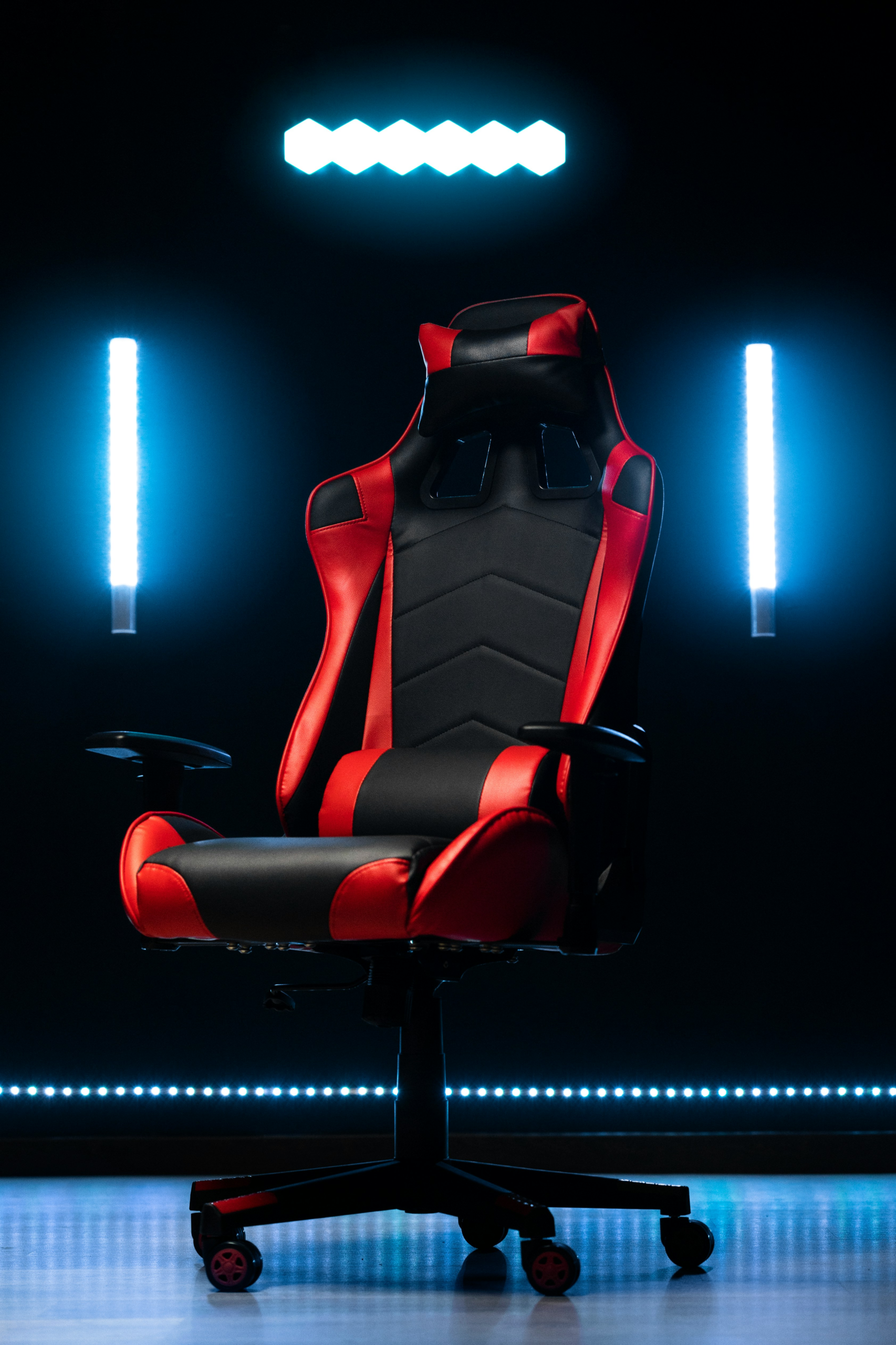
Open-world games eat hours. Three, four, sometimes more in one sitting once you’re deep into exploring a map. Your chair matters a lot more here than most people think, bad support isn’t just uncomfortable, it’s the reason people cut sessions short that they’d otherwise enjoy.
Short answer: lumbar support and seat depth matter more than looks. A chair covered in RGB lighting that doesn’t support your lower back will hurt by hour three regardless of how it looks in photos.
What to actually look for
Lumbar support, seat depth, and breathable material matter far more over a multi-hour session than any amount of RGB lighting or brand logo.
Lumbar support is the single biggest factor here. Built-in or adjustable, it doesn’t matter which, but don’t cut this corner to save money. It’s the one feature that determines whether a chair is still comfortable an hour in.
Seat depth and armrest adjustability come down to fit. A chair that doesn’t match your body size won’t feel right no matter how nice the padding is. If you’re tall or broad-shouldered, 4D armrests (they move in, out, up, down, forward, back, and pivot) are worth paying for.
Material matters more than people expect too. PU leather looks premium in photos but traps heat fast during long sessions. Mesh or fabric backing breathes better, you won’t notice this in a showroom, but you’ll notice it at hour two.
Our picks
The Secretlab Titan Evo is the most recommended gaming chair across nearly every major review outlet in 2026, with a 4-way lumbar system and three sizes covering most body types.
Budget: the Corsair TC100 Relaxed is the genuine standard-bearer in this price range, a wider “relaxed” seat with a lumbar pillow and detachable memory foam neck pillow, without the flimsiness that plagues most sub-$300 gaming chairs.
Best overall: the Secretlab Titan Evo shows up as the top pick across PC Gamer, Tom’s Hardware, Tom’s Guide, and TechRadar for a reason. Three sizes (Small, Regular, XL) covering roughly 4’11” to 6’9″ and up to 395 lbs, a 4-way adjustable lumbar system, magnetic head pillow, and a 5-year warranty.
Premium: the Herman Miller x Logitech G Embody looks and feels more like high-end office furniture than a “gaming” chair, because it genuinely is one. Copper-infused cooling foam, automatic spine-conforming Backfit adjustment, and a warranty that outlasts most gaming-branded chairs by years. It’s priced accordingly (around $1,795-$2,045 depending on configuration) and sold primarily through Herman Miller’s own store rather than a single fixed Amazon listing, worth buying direct if you go this route.
Quick comparison
| Pick | Price | Material | Best For |
|---|---|---|---|
| Corsair TC100 Relaxed | ~$270 | Fabric or leatherette | Genuine upgrade without premium pricing |
| Secretlab Titan Evo | ~$549 | Fabric or leatherette | Best overall for most people |
| Herman Miller x Logitech G Embody | ~$1,795+ | Mesh/foam | Buy-once ergonomics that outlast gaming trends |
Who this isn’t for
If you’re only gaming for an hour or two at a time, none of these are urgent purchases, a basic chair will do the job fine at that duration, and the comfort difference these picks offer really shows up specifically during the 3+ hour sessions this guide is built around.
Bottom line
Don’t buy on looks. If you’re stepping up from a bargain-bin chair, the Corsair TC100 Relaxed covers the basics well. Most people land best with the Secretlab Titan Evo, it’s the consensus pick for a real reason. And if you sit for both work and long gaming sessions and want a chair that’ll outlast a decade of trends, the Herman Miller Embody is the one purchase in this category that genuinely justifies its price.