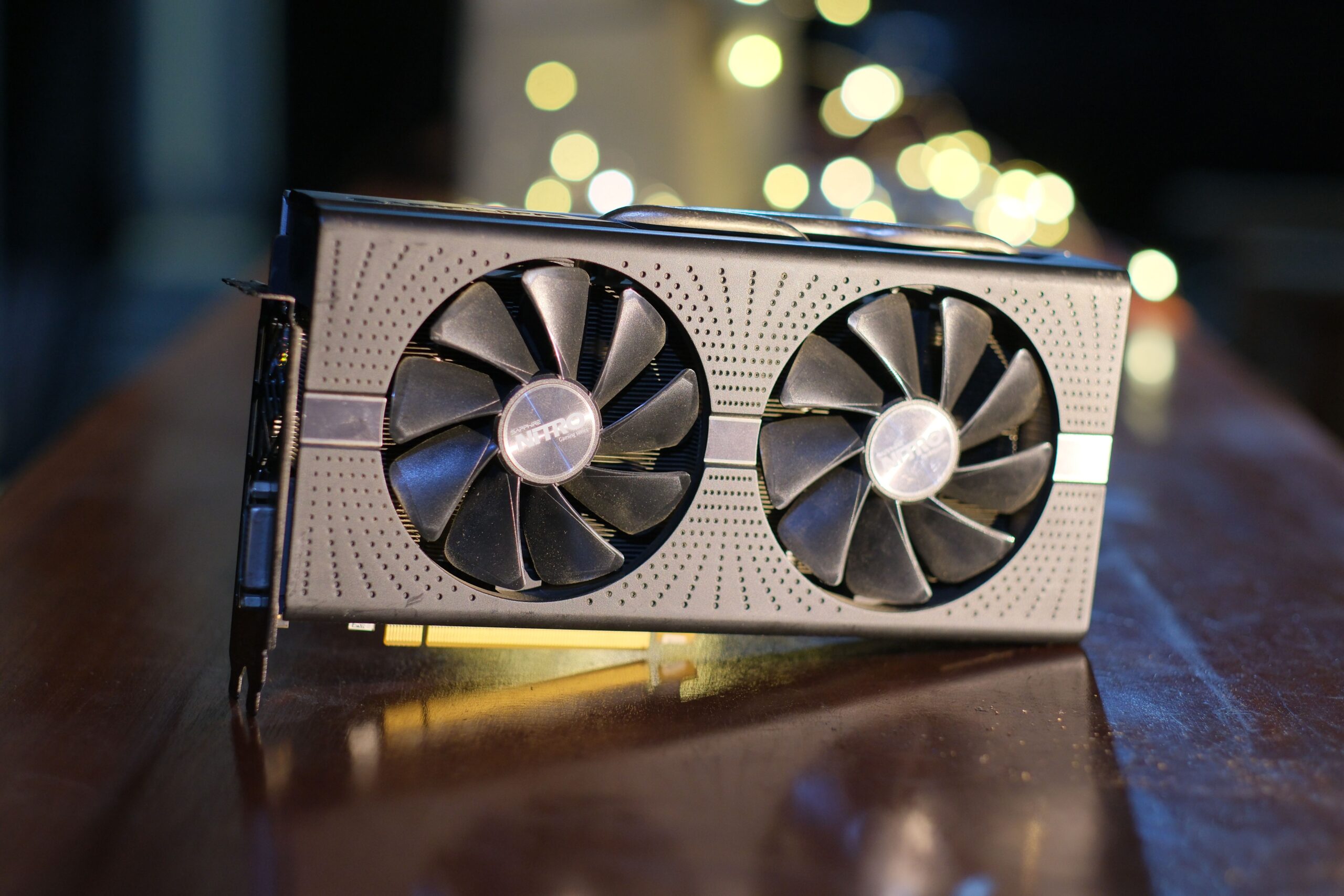
GTA V on PC now comes in two versions. GTA V Enhanced, released as a free upgrade in March 2025, adds ray tracing, modern upscaling and a much bigger graphics menu. The original version, now called GTA V Legacy, is still included with every new PC purchase, for systems that can’t run Enhanced. This guide covers Enhanced, since that’s where nearly all the settings decisions are.
Short answer: if your graphics card is the limit, turn on upscaling first (DLSS on an Nvidia RTX card, FSR on anything else). Then add ray tracing one effect at a time. If your frame rate barely moves when you lower graphics settings, your CPU is the limit instead, and you’ll get more from cutting population and distance settings.
Can your PC run Enhanced?
Rockstar’s minimum for Enhanced is a GeForce GTX 1630 or Radeon RX 6400 with 8GB of RAM and an SSD. Its recommended spec is a GeForce RTX 3060 or Radeon RX 6600 XT with 16GB of dual-channel RAM. Below the minimum, GTA V Legacy is the version to play.
The full requirements, per Rockstar:
| Minimum | Recommended | |
|---|---|---|
| Graphics card | GeForce GTX 1630 or Radeon RX 6400 (4GB) | GeForce RTX 3060 or Radeon RX 6600 XT (8GB) |
| Processor | Intel Core i7-4770 or AMD FX-9590 | Intel Core i5-9600K or AMD Ryzen 5 3600 |
| Memory | 8GB | 16GB, dual-channel |
| Storage | 105GB, SSD required | 105GB, DirectStorage-compatible drive |
| Operating system | Windows 10 (version 1909 or later) | Windows 11 |
Enhanced won’t meet Rockstar’s minimum on a hard drive, so if you’re still running games from an HDD (hard disk drive), install it on an SSD (solid-state drive). Also note that GTA Online players on Legacy and Enhanced play in separate sessions, so you can’t join friends who are on the other version. Rockstar offers a one-time migration of Story Mode and GTA Online progress from Legacy to Enhanced; after you migrate, progress no longer syncs between the two.
Upscaling: the first fix when your GPU is the limit
Upscaling renders the game at a lower resolution and reconstructs the image, which frees up a lot of GPU performance. Use DLSS on an RTX card and FSR (FidelityFX Super Resolution) on AMD, Intel or older Nvidia cards.
At 1440p, DLSS’s Quality mode renders at roughly 1707×960 internally and upscales back to full resolution. It keeps much more detail than the lower upscaling modes while giving a meaningful performance boost, so start with Quality mode and compare fine detail and motion against native before dropping further. At 1080p, upscaling starts from fewer pixels, so the trade-off is more visible there.
Which options you get depends on your card:
- Nvidia RTX cards: DLSS Super Resolution works on every RTX card. An update on August 12, 2025 added DLSS Frame Generation for RTX 40 series cards and DLSS 4 Multi Frame Generation for RTX 50 series cards, which inserts several generated frames for each one your GPU renders. Make sure your graphics driver is current before trying them.
- Everything else, including GTX cards: DLSS needs an RTX card, so use FSR. Enhanced supports FSR 1 and FSR 3; FSR 3 is the newer, higher-quality option, and the same August 2025 update added FSR frame generation too.
- Already getting the frame rate you want? Use DLAA or FSR Native AA instead, which run at full resolution and use the upscaler’s technology purely to clean up the image.
Frame generation makes motion look smoother, but it works best from an already healthy base frame rate; around 60 fps is a common rule of thumb. Check your frame rate with frame generation turned off first, because that base number is what determines how responsive the game feels.
Ray tracing: add it one effect at a time
Enhanced splits ray tracing into separate effects: shadows, reflections, ambient occlusion and global illumination, each with its own quality setting. A separate Scene BVH Quality setting controls how detailed the scene geometry is for ray tracing, and it counts toward the same performance budget.
Ray tracing is the headline feature of Enhanced, and it changes how the game looks most at night and in the rain, when neon reflects off wet streets. Digital Foundry singled out the ray-traced global illumination (RTGI) as unusually thorough: it lights the scene from every light source, including moving ones like car headlights, not just the sun.
That thoroughness costs more on the processor than you’d expect. Digital Foundry found RTGI relatively light on the graphics card but much heavier on the CPU, and in its testing a Ryzen 5 3600 couldn’t hold 60 fps at 1440p with DLSS Quality. Lowering resolution won’t fix that kind of limit.
Practical starting points:
- Run each effect one step below its maximum. The top settings cost noticeably more performance for differences that are hard to spot during normal play.
- Reflections are a popular one to keep if you can only afford one effect, especially for city driving at night, while global illumination delivers the biggest overall change to the lighting. Try both and decide which you’d rather keep.
- Don’t max Scene BVH Quality by default; treat it like any other ray-tracing setting.
When your CPU is the limit
If your frame rate barely changes when you lower resolution or switch upscaling modes, check for a frame cap or V-Sync first. If neither is on, your CPU is likely the bottleneck, and the settings to cut are the ones that add world complexity.
GPU settings like resolution and texture quality won’t help a CPU bottleneck. Instead, lower these, one at a time, and check your frame rate after each:
- Population Density and Population Variety: fewer pedestrians and cars means less for the CPU to simulate.
- Distance Scaling and Extended Distance Scaling (in Advanced Graphics): Extended Distance Scaling in particular is a long-standing performance trap in GTA V.
- Ray-traced global illumination: step it down or turn it off, given its CPU cost.
Don’t lower texture quality to fix a CPU problem. Only reduce it if you’re running out of VRAM (your graphics card’s memory).
Settings by hardware
Start from your card’s tier, then fine-tune with the benchmark and real gameplay.
Non-RT cards that meet the minimum (such as GTX 16 series): keep ray tracing off, use FSR if it improves your frame rate without hurting the image too much, and tune conventional settings first. If you’re below the minimum spec, use GTA V Legacy instead. If you’re thinking about an upgrade, an RTX card unlocks both DLSS and ray tracing. Browse graphics cards on Amazon
Around the recommended spec (RTX 3060-class, RX 6600 XT-class): start at 1080p with Quality upscaling and ray tracing off, then add individual effects if you have headroom. Rockstar’s recommended spec isn’t a promise of ray tracing at 1440p.
Upper mid-range and high-end (RTX 4070 Ti or RX 7800 XT and up): these cards can handle 1440p with ray tracing at high settings, especially with upscaling, though the exact result depends heavily on your CPU and distance settings. On RTX 40 and 50 series cards, frame generation adds smoothness on top, as long as your base frame rate is already solid.
Test with the benchmark, then with real gameplay
Use the built-in benchmark for repeatable comparisons, then check your settings in the situations you actually play, especially a busy GTA Online session.
The benchmark is in the graphics settings in Story Mode. If you don’t see the option on a fresh save, players report it appears once you’ve finished the opening mission. It’s useful for comparing one setting change against another, but a populated GTA Online session can be noticeably more demanding on your CPU than the benchmark, so don’t call a configuration stable until you’ve played with it there.
Who this isn’t for
If you play GTA Online competitively and want the highest possible frame rate, skip ray tracing entirely and prioritize a high, stable frame rate over visuals. And if your PC is below Enhanced’s minimum spec, this guide’s ray-tracing advice won’t apply; GTA V Legacy is the better fit. For modding either version, see our GTA V mods guide.
Bottom line
Figure out what’s limiting you first. If it’s your graphics card, upscale, then add ray tracing one effect at a time. If it’s your CPU, cut population and distance settings and ease off global illumination. That gets you most of Enhanced’s visual upgrade without fighting your frame rate the whole time.